
Ensuring a smooth, rapid visitor flow into your auditorium or through your venue gates is one of the most critical components of event management. If your scanning hardware or software feels cumbersome, everything slows down.
With that in mind, we have rolled out a comprehensive user interface (UI) refresh for our web-based ticket scanner application, alongside an exciting new camera-based scanning feature.
Here is a look at what has changed, why we changed it, and how it will improve your front-of-house operations.
A Clean UI Refresh (With Full Dark Mode Support)
Our legacy ticket scanner interface was built to be purely functional, but it lacked the visual hierarchy and modern layout touchpoints available in our Admin application. The updated interface introduces a card-based architecture, subtle container shadows, clean typography, and full compatibility with device-level themes.
The app now dynamically supports both Light Mode and Dark Mode, automatically matching whatever preference is set on the host device – whether a PC or iOS / Android-powered phone or tablet. This is a significant functional upgrade for users working in varied environments, from blinding outdoor festival gates to dimly lit theatre foyers.
The Evolution: Old vs. New
To give you an idea of how the interface has improved, let’s break down the major structural updates across the core application screens:
The Login Experience
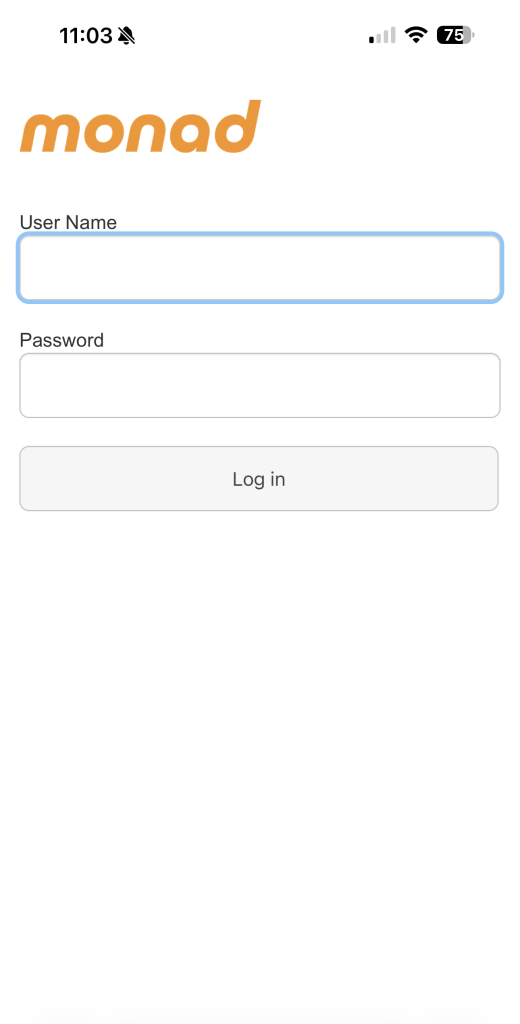
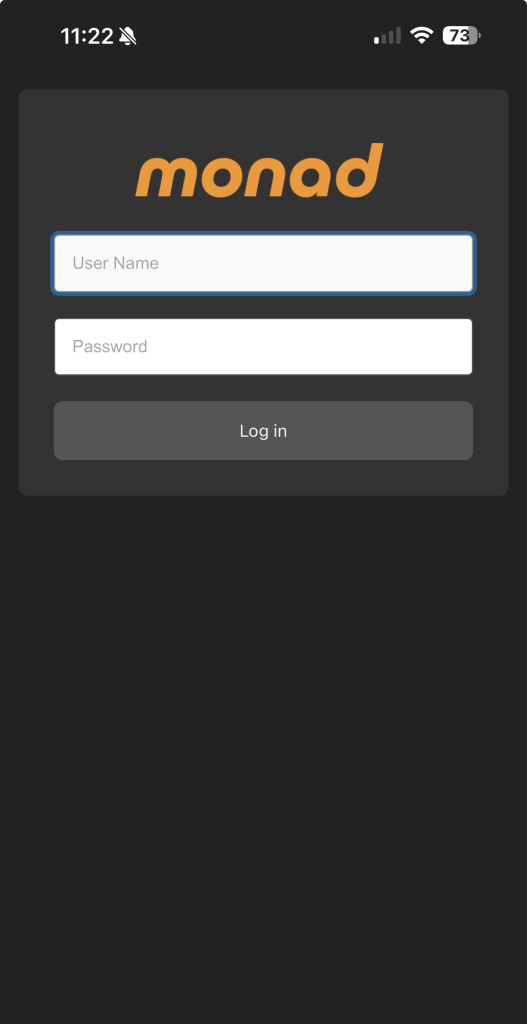
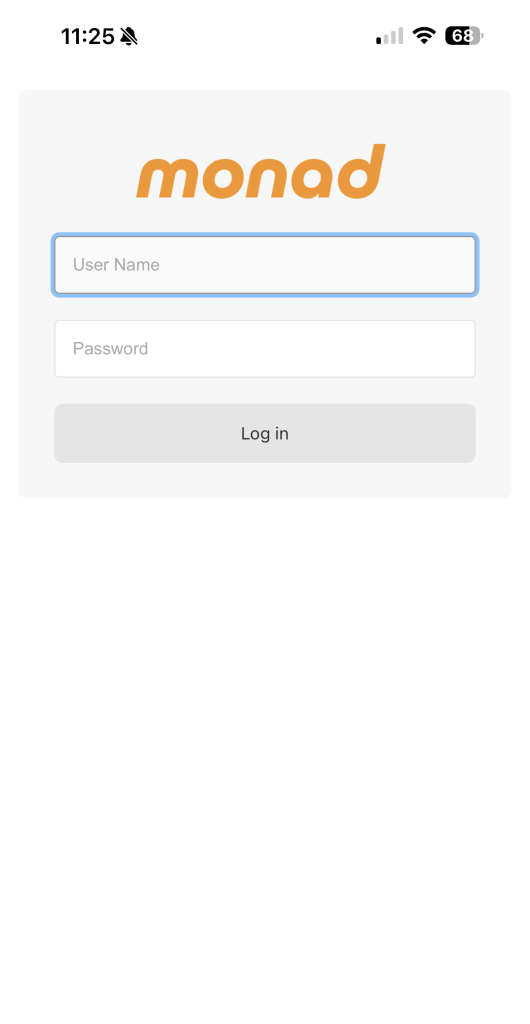
The legacy layout in Old Login featured a stark, raw white background with bright blue input focus borders and unstyled button boxes. In contrast, New Login Light Mode and New Login Dark Mode anchor the credential inputs inside a balanced, centred card that rests naturally on a soft background grid.
Settings Configuration
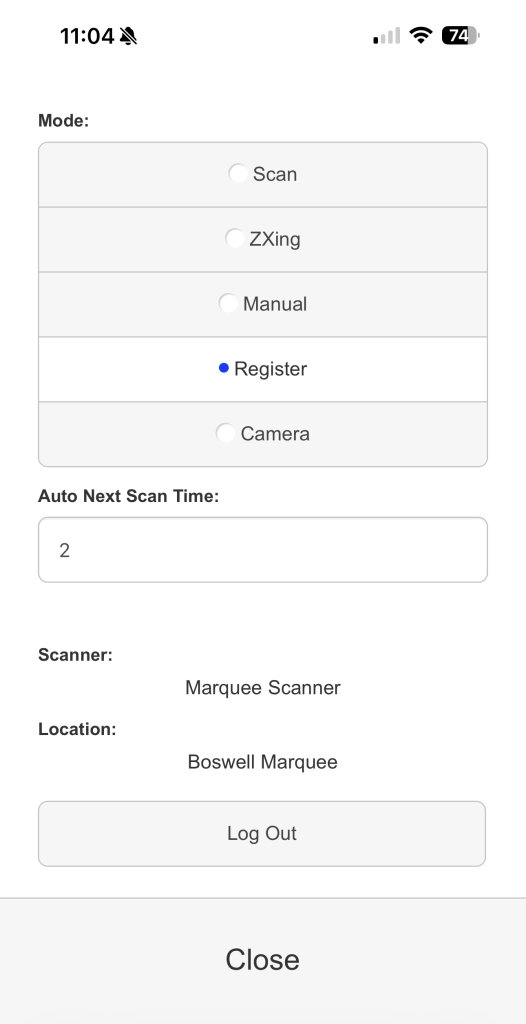
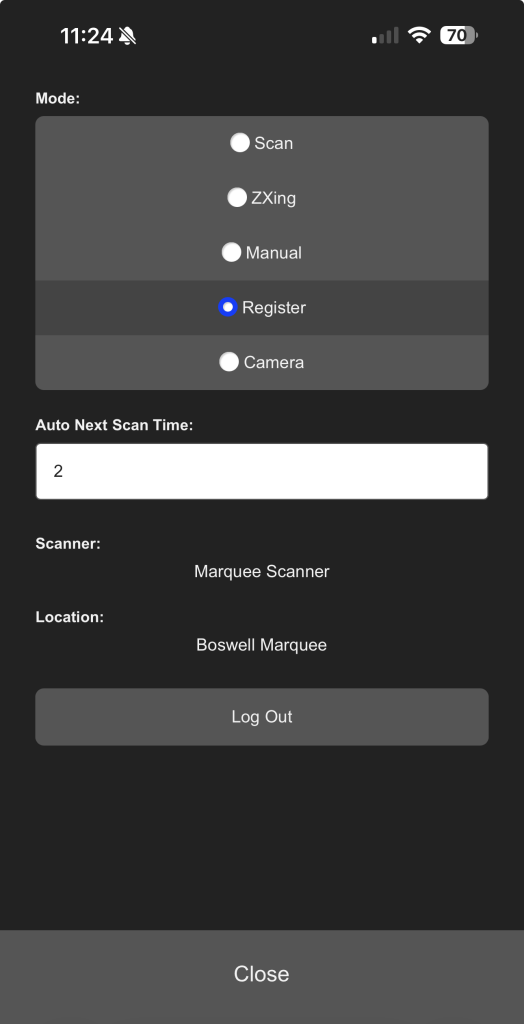
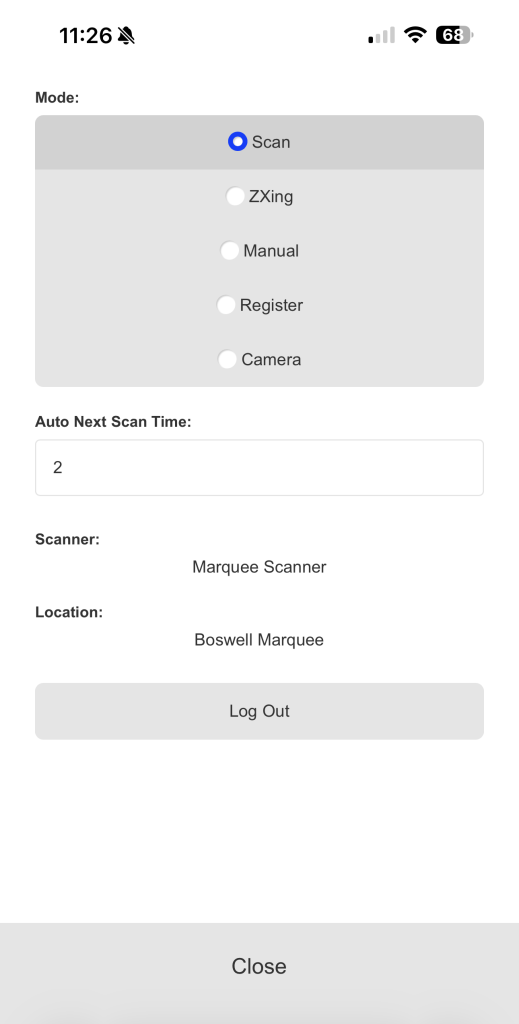
The configuration path in Old Settings relied on basic radio dials stretching all the way across a plain white container. The streamlined panels in New Settings Light Mode and New Settings Dark Mode present these choices inside a tight, modern selection block with explicit active states highlighting the current scanning mode.
Scan Mode
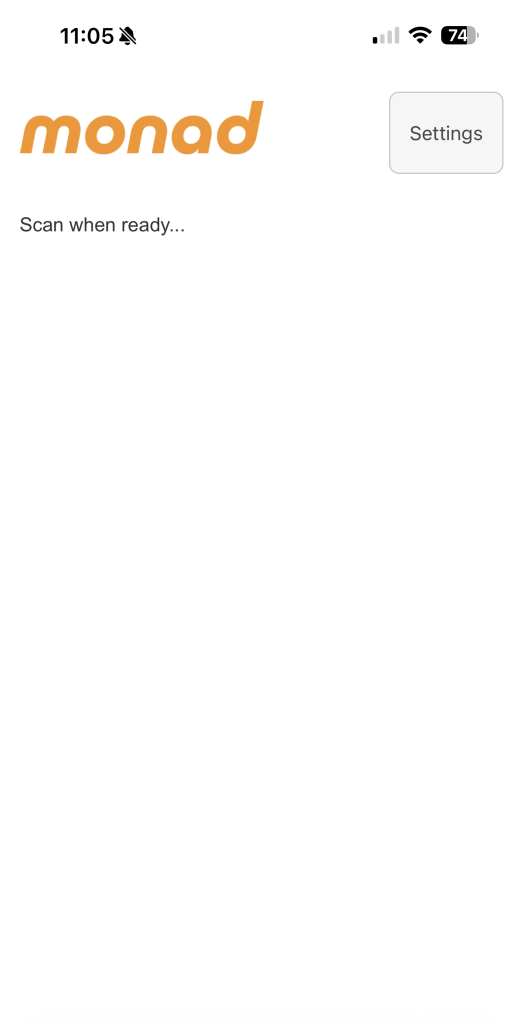
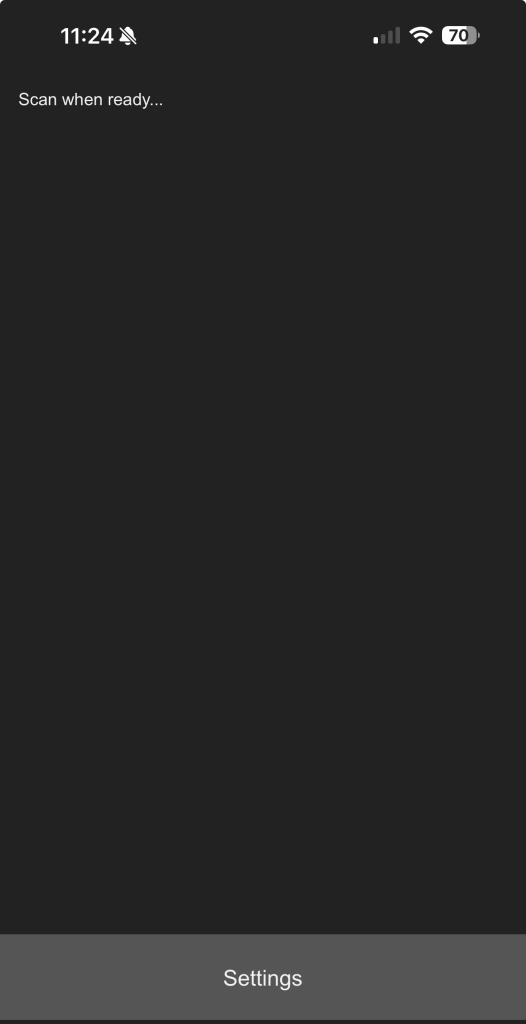
In Old Scan Ready, the Settings trigger sat as a small floating box in the upper right-hand corner, making it tough to reach single-handed on modern mobile screens. The refreshed layouts in New Scan Ready Light Mode and New Scan Ready Dark Mode move this action tray to a dedicated, full-width bottom navigation bar, putting essential controls right under the operator’s thumb.
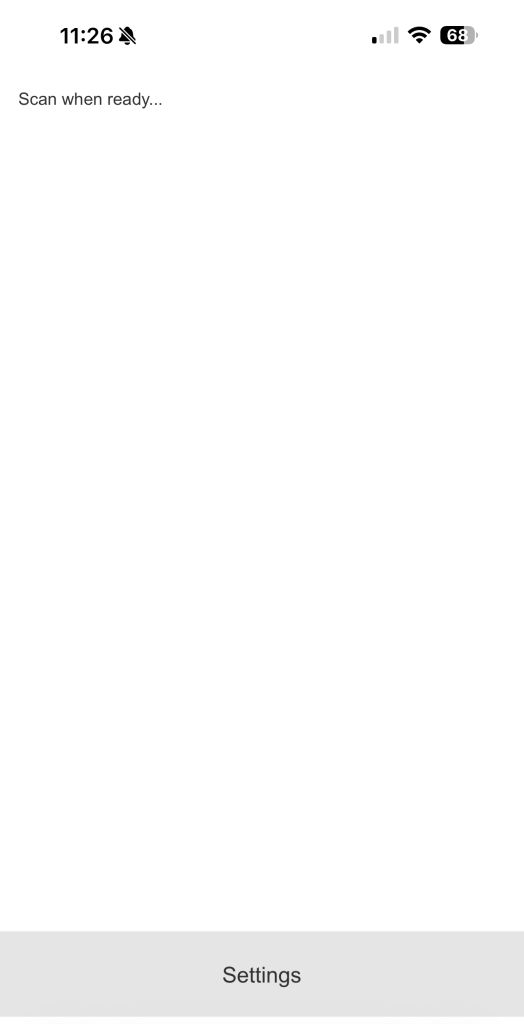
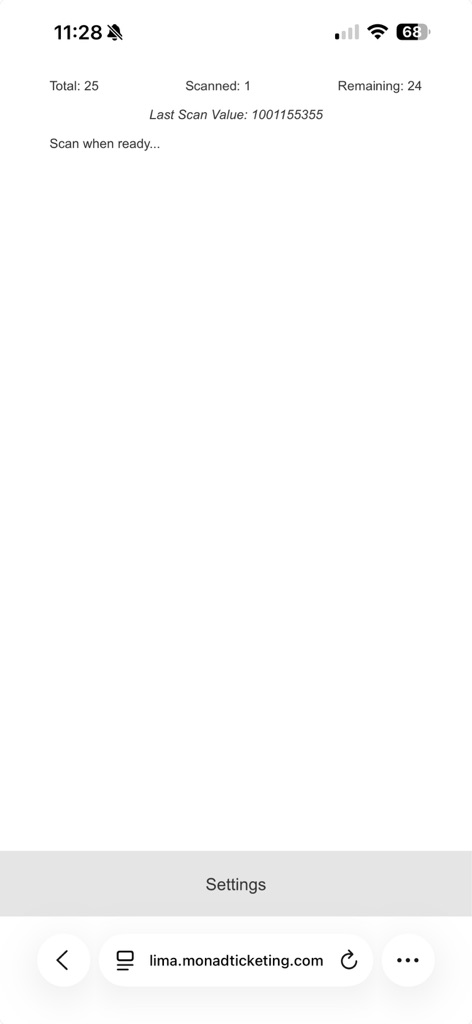
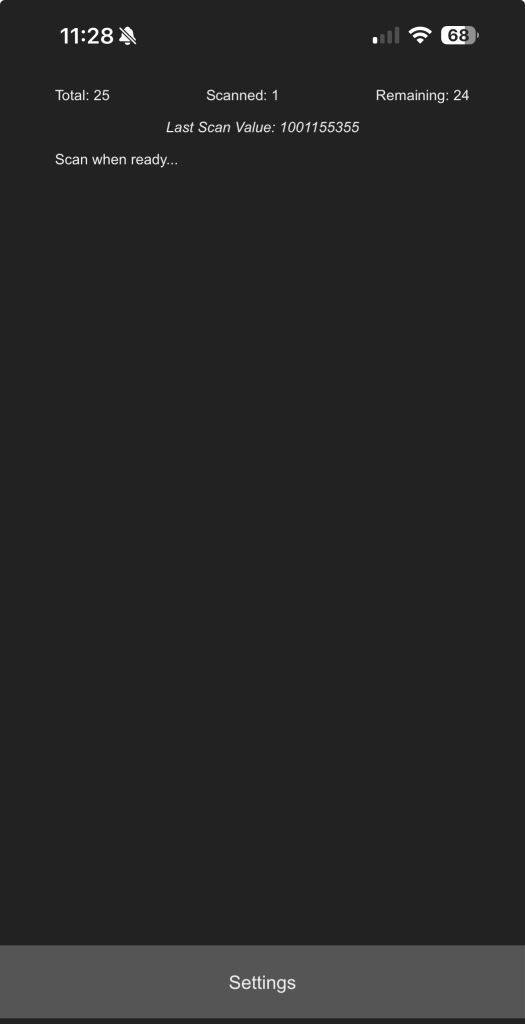
After scanning your first barcode, the important information that you need – the total valid tickets, number scanned and number remaining are populated at the top of the screen. Updating each time you can, the next ticket.
Register Mode
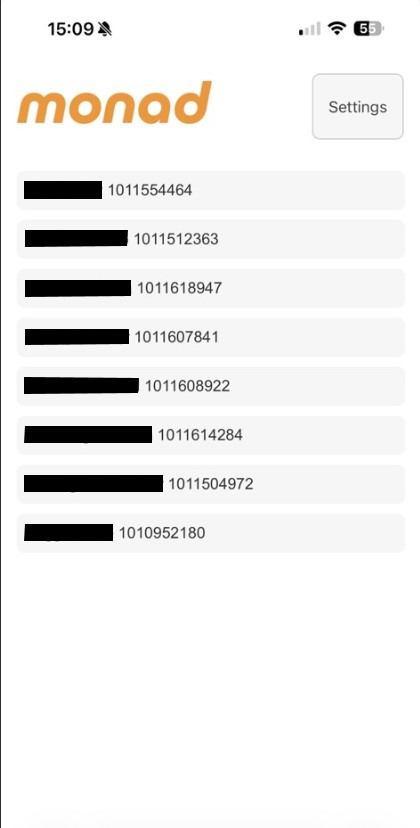
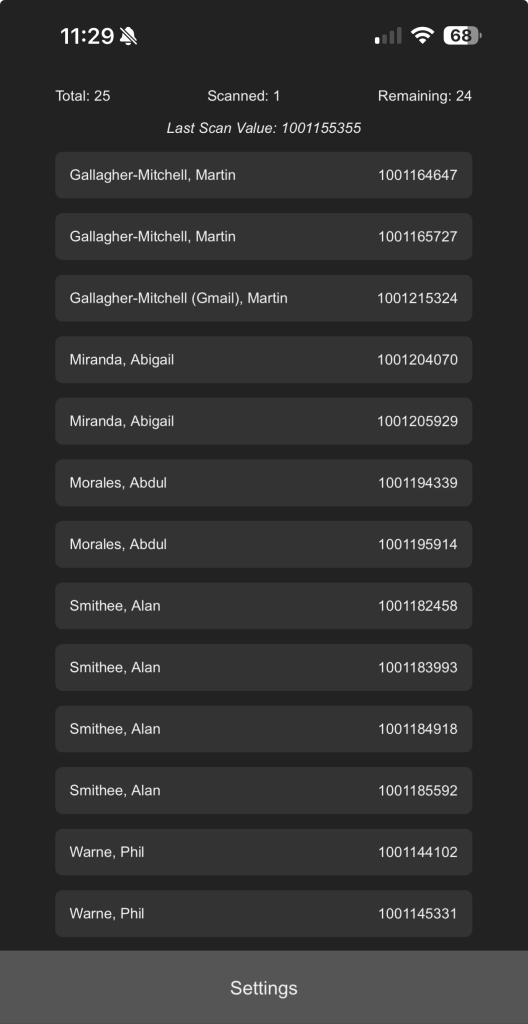
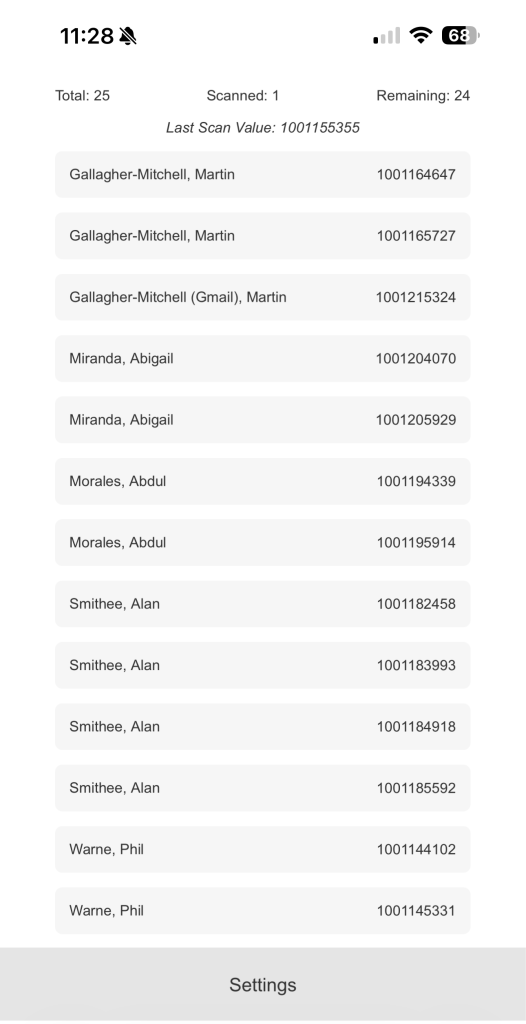
For events with smaller numbers, the Register mode is still a great alternative to scanning. The Old Register lacked separation, the updated screens, New Register Dark Mode and New Register Light Mode, separate customer names and barcodes into clean, distinct horizontal rounded rows, making cross-referencing or manual check-ins easier to read on the fly.
As with scanning mode, in Register mode, after checking your first visitor in the important totals appear at the top of your screen.
Scan Results
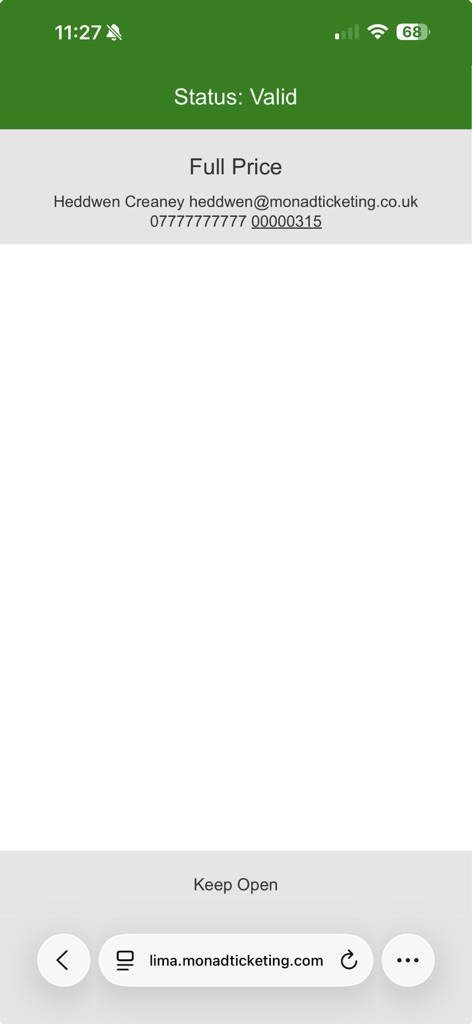
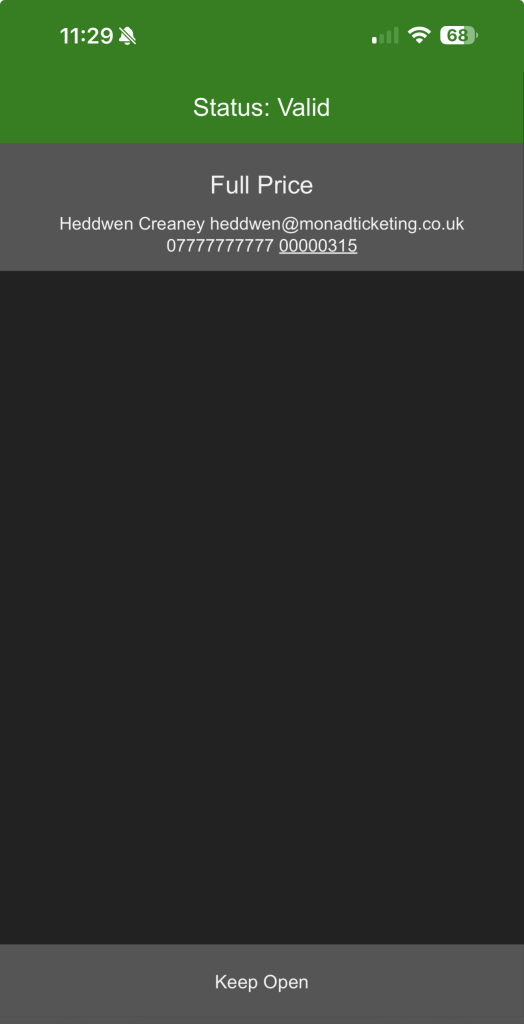
When a barcode is processed, the validation state is bolder than ever. A successful ticket scan (Valid Scan Light Mode and Valid Scan Dark Mode )fires a full-width, vibrant green validation banner declaring Status: Valid, completely separating the positive confirmation text from the underlying customer details and ticket types below it.
Introducing Native Camera Scanning via Android and Google Chrome
For venues using rugged external scanning hardware, either via USB or Bluetooth connection, the standard scanning modes are still supported. However, we know that peak crowds sometimes require extra hands on deck, and deploying dedicated hardware to temporary staff isn’t always viable.
To solve this, we are officially introducing a new Camera mode:
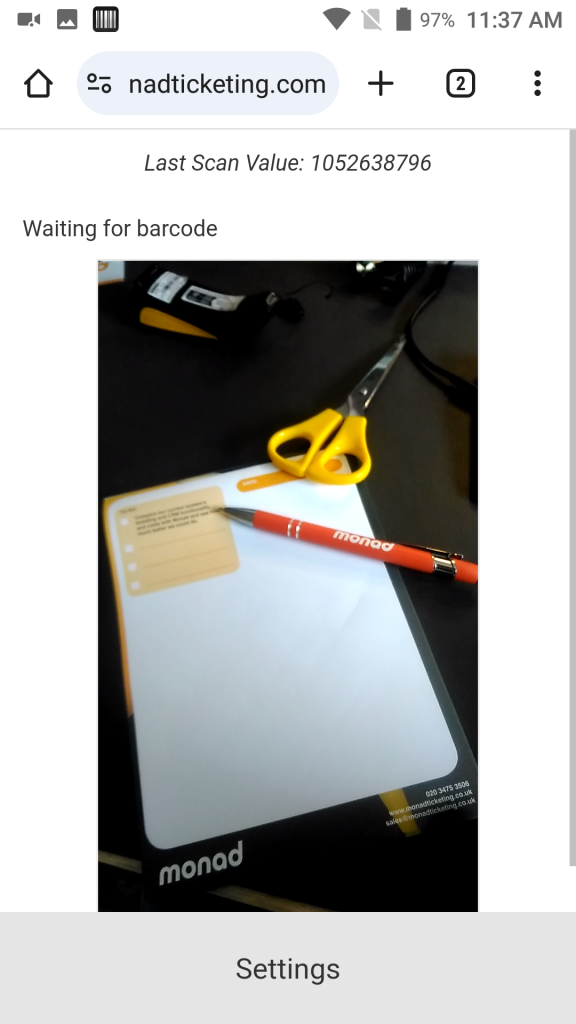
This mode embeds a live camera viewfinder frame directly inside the web app wrapper, utilising the host device’s built-in camera array to scan ticket barcodes instantly.
⚠️ System Requirements
Because this feature relies heavily on native browser hardware acceleration API implementations, the new native camera scanning app is exclusively available on Android devices running Google Chrome.
To spin up an extra lane during peak arrival windows, simply toggle your mode to Camera within the updated settings panel on a compatible Android device, grant the browser permission to access the camera, and your team is ready to scan tickets immediately using their mobile web browser.
💡 Quick Troubleshooting Note
During Beta testing, some users found that because this update introduces significant architectural improvements underneath the hood, browser caching can occasionally get in the way on the first load. If you run into any configuration errors when accessing your updated Scanner app for the first time, please try clearing the browsing data in your browser.
If you continue to experience errors after clearing your data, or if you need any help optimising your gate setup for an upcoming show, please don’t hesitate to reach out to support@monadticketing.com.
The Big Picture
At Monad, we believe that software should scale fluidly to meet the operational realities of your venue. Whether you are running a high-volume box office using dedicated laser hardware or expanding your queues during peak festival rushes with temporary staff on consumer devices, consistency is key.
This UI update bridges that gap by modernising our design language and offering hardware flexibility where it matters most. By removing visual friction at the point of entry and introducing low-barrier alternative tools like Chrome for Android, we are giving front-of-house teams the layout clarity they need to keep queues moving and focus on delivering a great audience experience.
The refreshed ticket scanner will roll out in the coming days. If your scanning devices are set to automatically track system themes, you will see the light or dark variants adjust themselves immediately next time you log in.
If you’re not currently using access control on your database, do get in touch with support@monadticketing.com.